
The Future of IP Alarm Systems
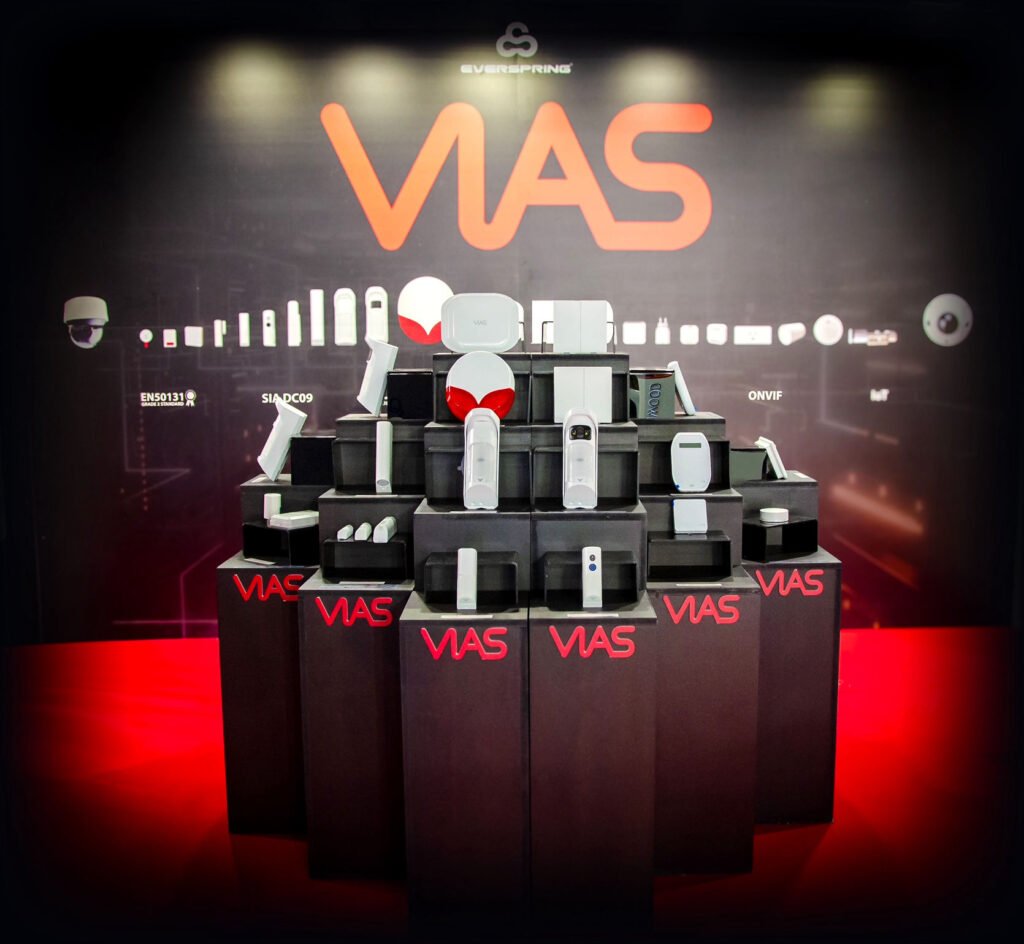
VIAS– the powerful solution that brings visualized security and smart IoT to your home and business.
Seamlessly integrate video monitoring, smart automation, alarm systems, and management software
everything you need in one unified security control.
Stay ahead with VIAS and experience a smarter way to protect what matters most.
VIAS system is composed by a Gateway, that is the management device, and other accessories with different functions.
Security and automation devices use wireless UNET system for communication while Video devices are connected by WiFi or ethernet cable.
You can access all the functions by connecting to the gateway using the VIAS app, both local WiFi and internet remote access can be used.
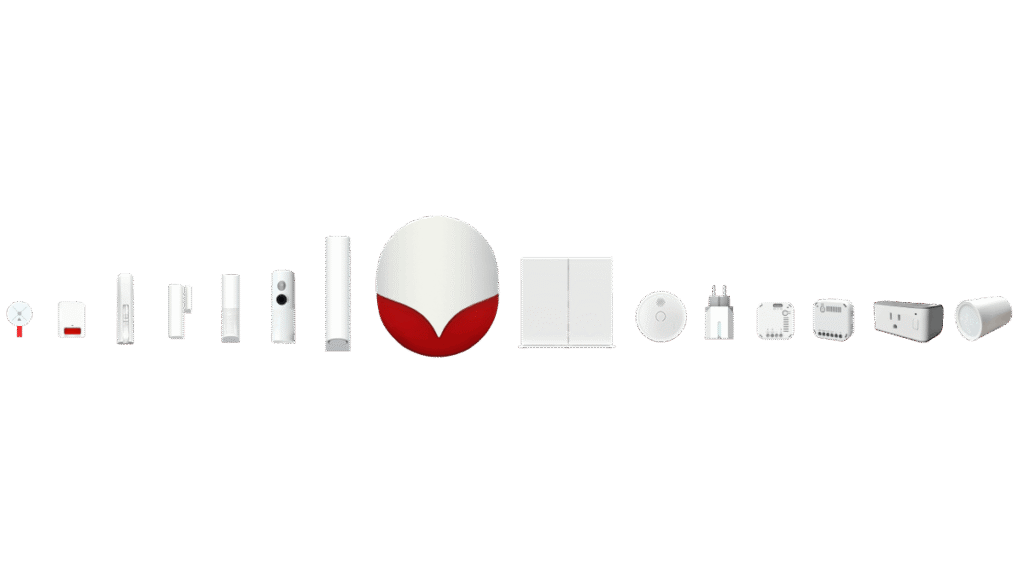
When you purchase a VIAS control panel you will
have access to all VIAS management features as:
-Create an account on VIAS app
-Create multi-level system
-Share access to other people
-Create automation rules
-Create scheduled activities
-Video recording
SYSTEM FEATURES
SIA DC09 – Connect VIAS to a monitoring center
The control panel can send alarms and events to a monitoring center using SIA DC-09 protocol.SIA DC-09 is a two-way protocol used to communicate with a monitoring center using Internet protocol (IP) to carry the event content.This standard ensure compatibility between VIAS system and most of the existing monitoring centers around the world.
Internet/Intranet – Double connection to VIAS system
These are 2 ways to connect to your system. You can do that from a smartphone or PC connected to internet, anywhere you are, but if you don’t have an internet connection in your site, you can connect to the system from the local wifi network.
That means that with or without internet connection the VIAS system keeps working.
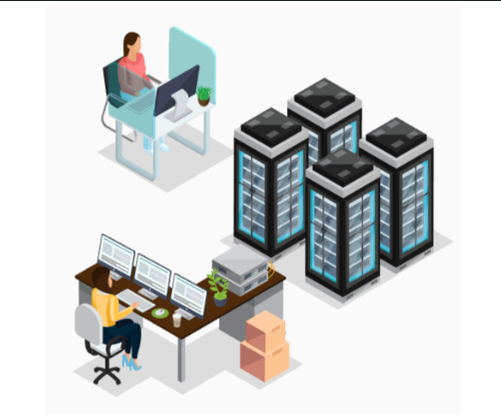
Automatic scenes – Create automation rules for your place
With VIAS you can create rules for automatic actions or commands to activate more devices at the same time. Functions include:
Scheduled activation Electronics control Energy consumption metering
Sensor trigger activation Air conditioner control
Temperature activation Lights control
Wireless technology – All about VIAS wireless
U-Net is Wireless communication standard largely based on IEEE 802.15.4 standard which is an IEEE technical specification defining the operation of low-rate wireless personal area networks (LR-WPANs). It specifies the physical layer and media access control for LR-WPANs, and is maintained by the IEEE 802.15 working group, which defined the standard since 2003. It is the basis for the Zigbee, ISA100.11a,, 6LoWPAN, Thread and SNAP specifications, each of which further extends the standard by developing the upper layers.
IEEE802.15.4 intends to offer the fundamental lower network layers of a type of wireless personal area network (WPAN) which focuses on low-cost, low-speed ubiquitous communication between devices. It can be contrasted with other approaches, such as Wi-Fi, which offer more bandwidth and requires more power. The emphasis is on very low cost communication of nearby devices with little to no underlying infrastructure, intending to exploit this to lower power consumption even more.
With IEEE802.15.4 as its underlying layers, U-Net offer key features such as:
-Two-way communication
-Low power consumption for battery devices
-Reliable connection; periodic check, transmission retries and collision avoidance per IEEE802.15.4 defined CSMA/CA
-Wider wireless range
-Secure communication using Advanced Encryption Standard (AES)

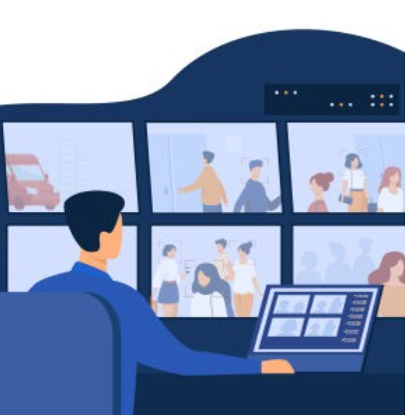
Video monitoring – Watch your cameras live and playback
Alarm wireless accessories and IP cameras work seamlessly, alerts triggered by alarm accessories activate video actions like:
Recording video of event (for push event notification)
Specify the reason of each alert: intrusion, fire, water leak…
Move pan tilt camera to preset point
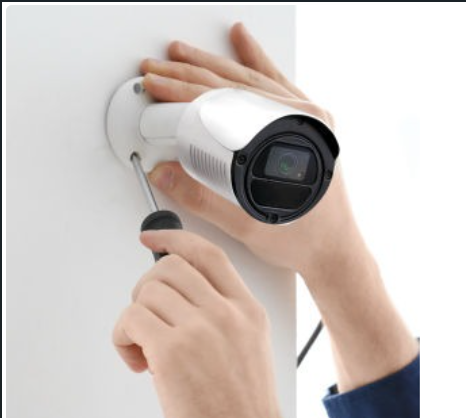
Cloud service – Let you create a backup of your control panel configuration
The cloud service let you create a backup of your control panel configuration. If you need to reset or replace the control panel, the backup let you quickly restore all the data in the control panel.
If user resets the control panel, the cloud data will not be lost, as long as there is one owner able to perform the backup. Simply re-bind the control panel to back up data from another panel.
If the installer wants to perform the backup for the owner, the owner should ensure the installer is added as user to the main control panel. After the backup, settings such as Users, Devices, Partitions, Rooms,
Cameras, Automation, Scenes, and Configuration will all be backed up to the backup gateway.

User access – VIAS is a multi-level system
VIAS is a multi-level system. You can decide what structure you are going to use based of the people that will access the system. You can divide a gateway between several users to have independent access to each area, or it can be one user which is able to see several alarm systems located in different places.
Customized users
Time limit
Access logs
Accounts search
Friends list / black list
Invite new users
Sharing – Let people be part of your system
With VIAS you can easily provide access to other users, you don’t need to share all the components of your system, you can provide access to only some partitions.
Customized users
Time limit
Access logs
Accounts search
Friends list / black list